# tim:r
**Pronounced `/ˈtʌɪmə/` or `/ˈtaɪmər/`.**
`tim:r` is a TUI app to help organize one of the most important thing you might have in live: `time`!
- `[t]imer` Check the time on anything you are you doing.
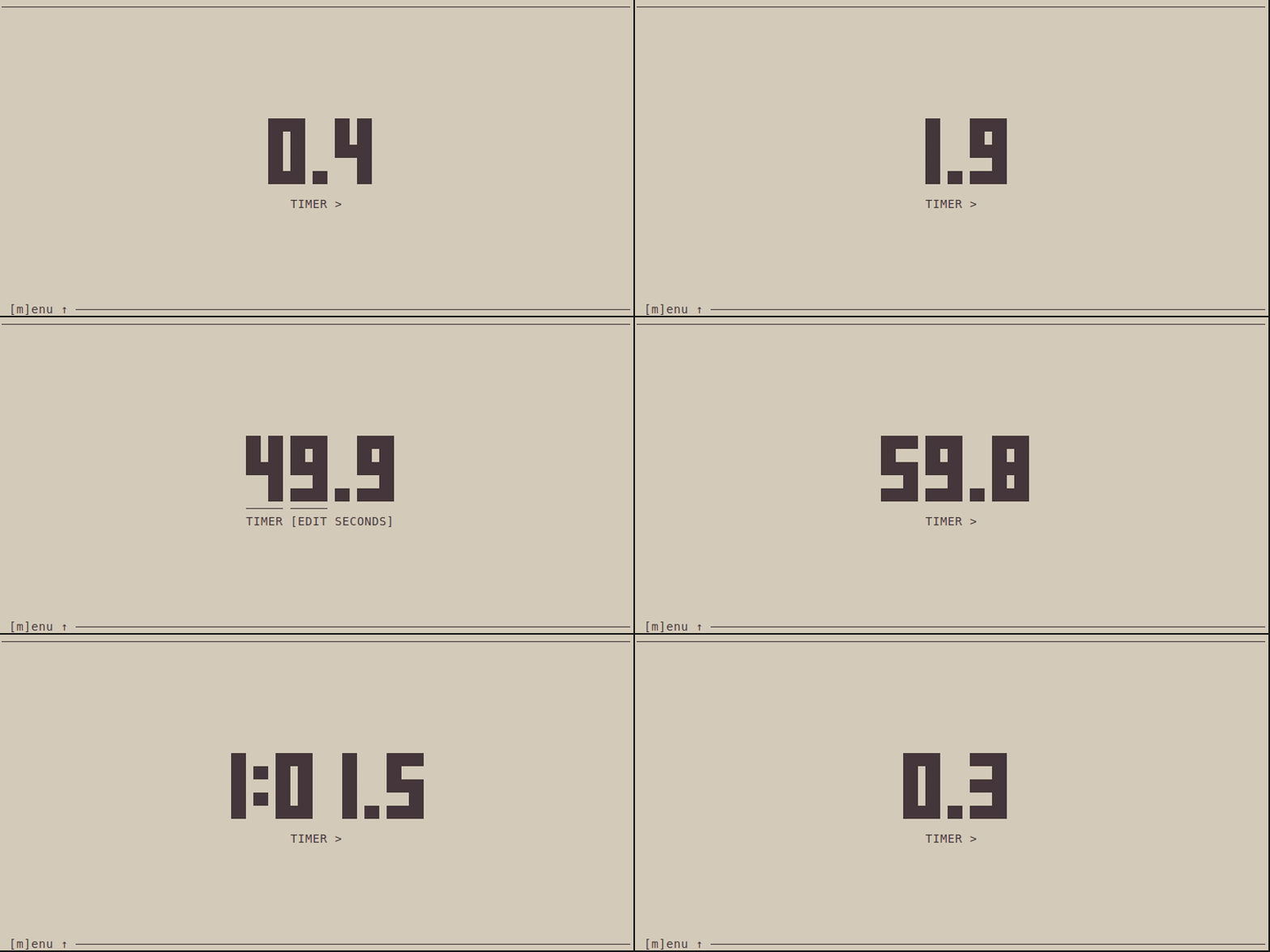
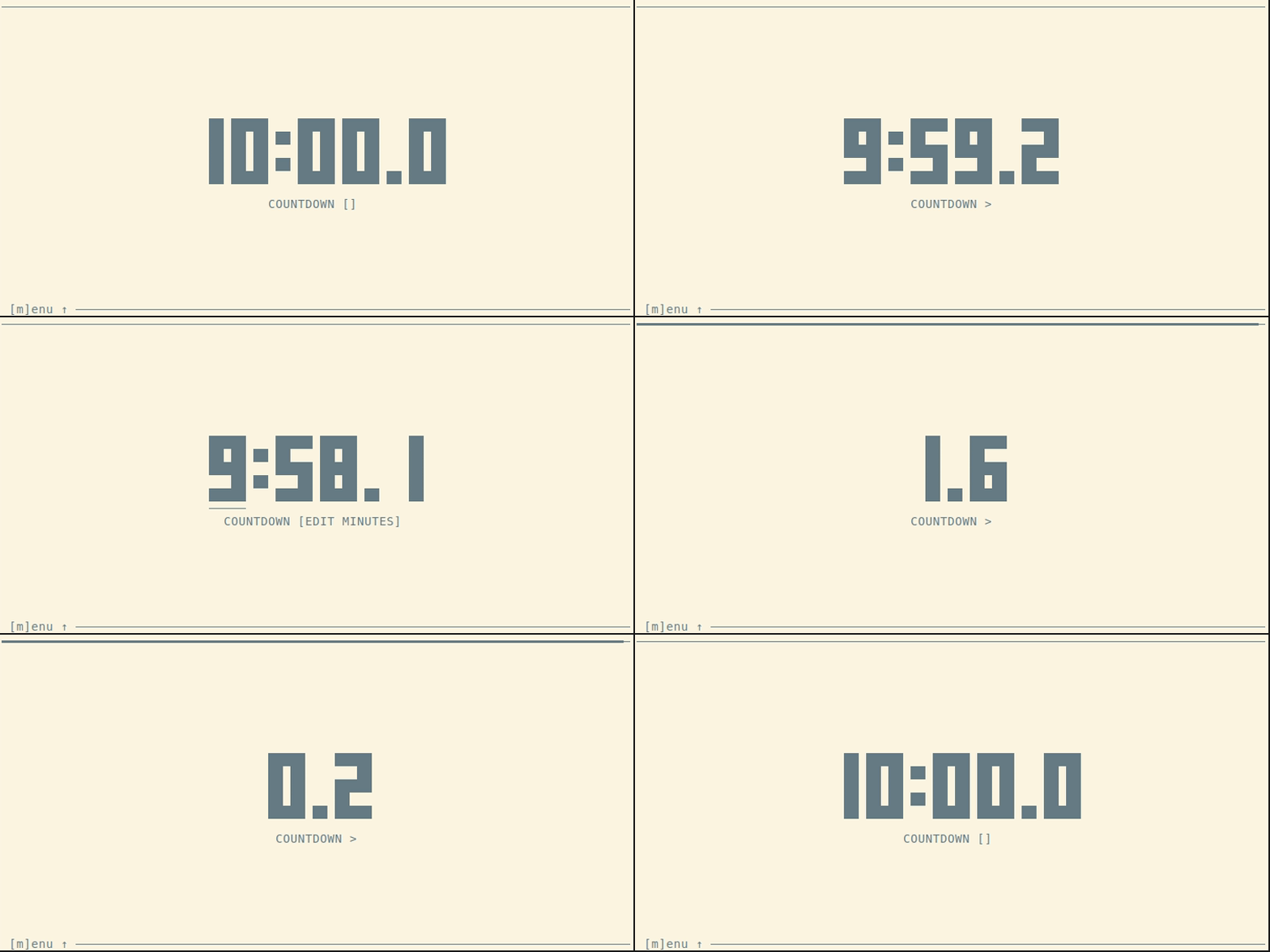
- `[c]ountdown` Use it for your workout, yoga session, meditation, handstand or whatever.
- `[p]omodoro` Organize your working time to be focused all the time by following the [Pomodoro Technique](https://en.wikipedia.org/wiki/Pomodoro_Technique).
It's built with [`Ratatui`](https://ratatui.rs/) written in [Rust 🦀](https://www.rust-lang.org/).
# Preview
_Side note:_ Theme colors depend on your terminal preferences.
## Pomodoro
 ## Timer
 ## Countdown
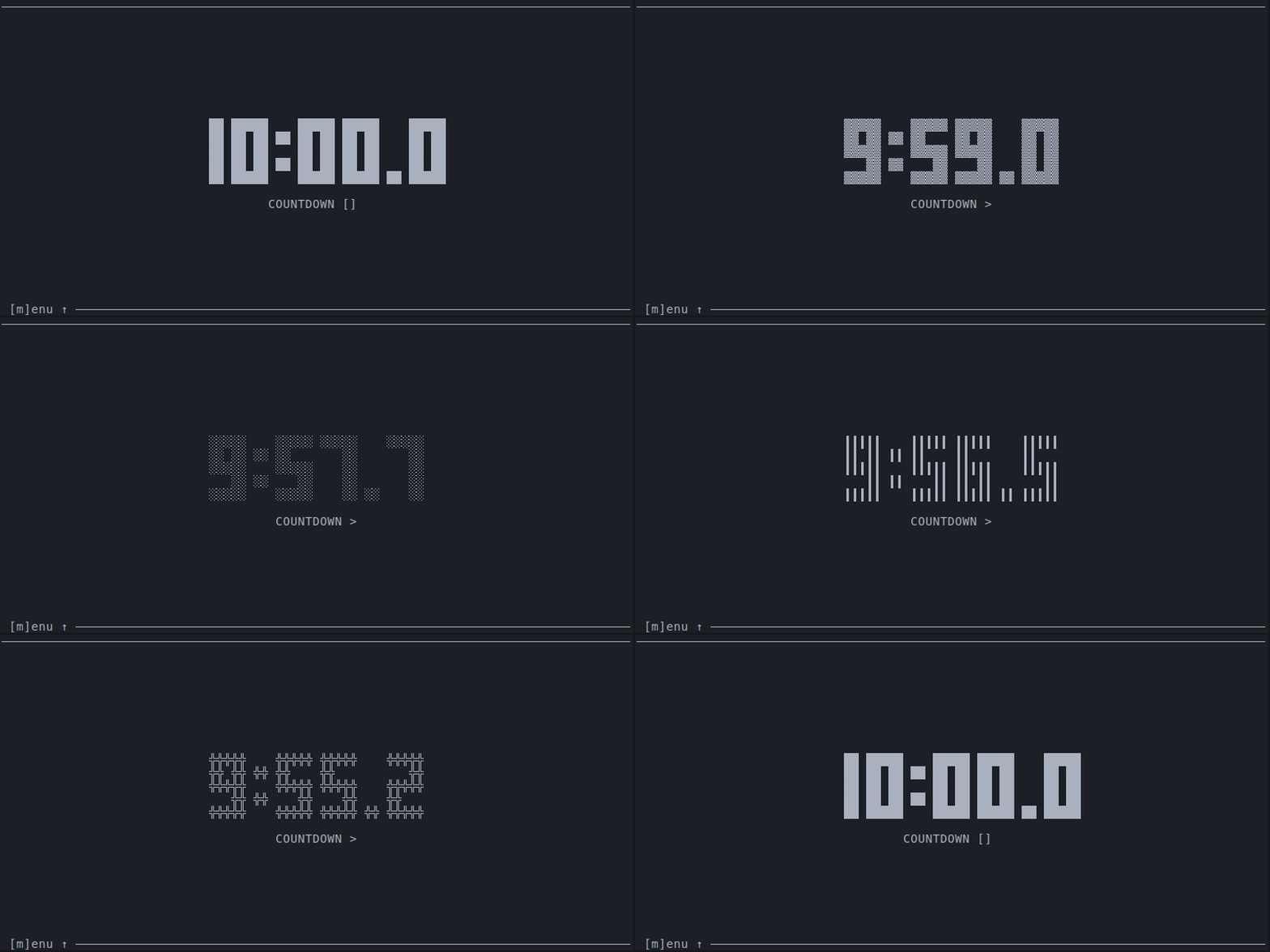
 ## Change style
 ## Toggle deciseconds
 ## Menu
 # Args ⚙️
```sh
Usage: timr [OPTIONS]
Options:
-c, --countdown Countdown time to start from. Formats: 'ss', 'mm:ss', or 'hh:mm:ss' [default: 10:00]
-w, --work Work time to count down from. Formats: 'ss', 'mm:ss', or 'hh:mm:ss' [default: 25:00]
-p, --pause Pause time to count down from. Formats: 'ss', 'mm:ss', or 'hh:mm:ss' [default: 5:00]
-d, --decis Wether to show deciseconds or not. [default: false]
-m, --mode Mode to start with. [possible values: countdown, timer, pomodoro] [default: timer]
-s, --style
# Args ⚙️
```sh
Usage: timr [OPTIONS]
Options:
-c, --countdown Countdown time to start from. Formats: 'ss', 'mm:ss', or 'hh:mm:ss' [default: 10:00]
-w, --work Work time to count down from. Formats: 'ss', 'mm:ss', or 'hh:mm:ss' [default: 25:00]
-p, --pause Pause time to count down from. Formats: 'ss', 'mm:ss', or 'hh:mm:ss' [default: 5:00]
-d, --decis Wether to show deciseconds or not. [default: false]
-m, --mode Mode to start with. [possible values: countdown, timer, pomodoro] [default: timer]
-s, --style